Summary
Why hardware upgrades only matter when the entire system changes Buying a faster computer does not automatically make you more productive.
What changes performance is whether new technology removes bottlenecks across the entire system—hardware, software, workflow, and the human operator. When those elements align, productivity doesn’t increase linearly. It compounds.
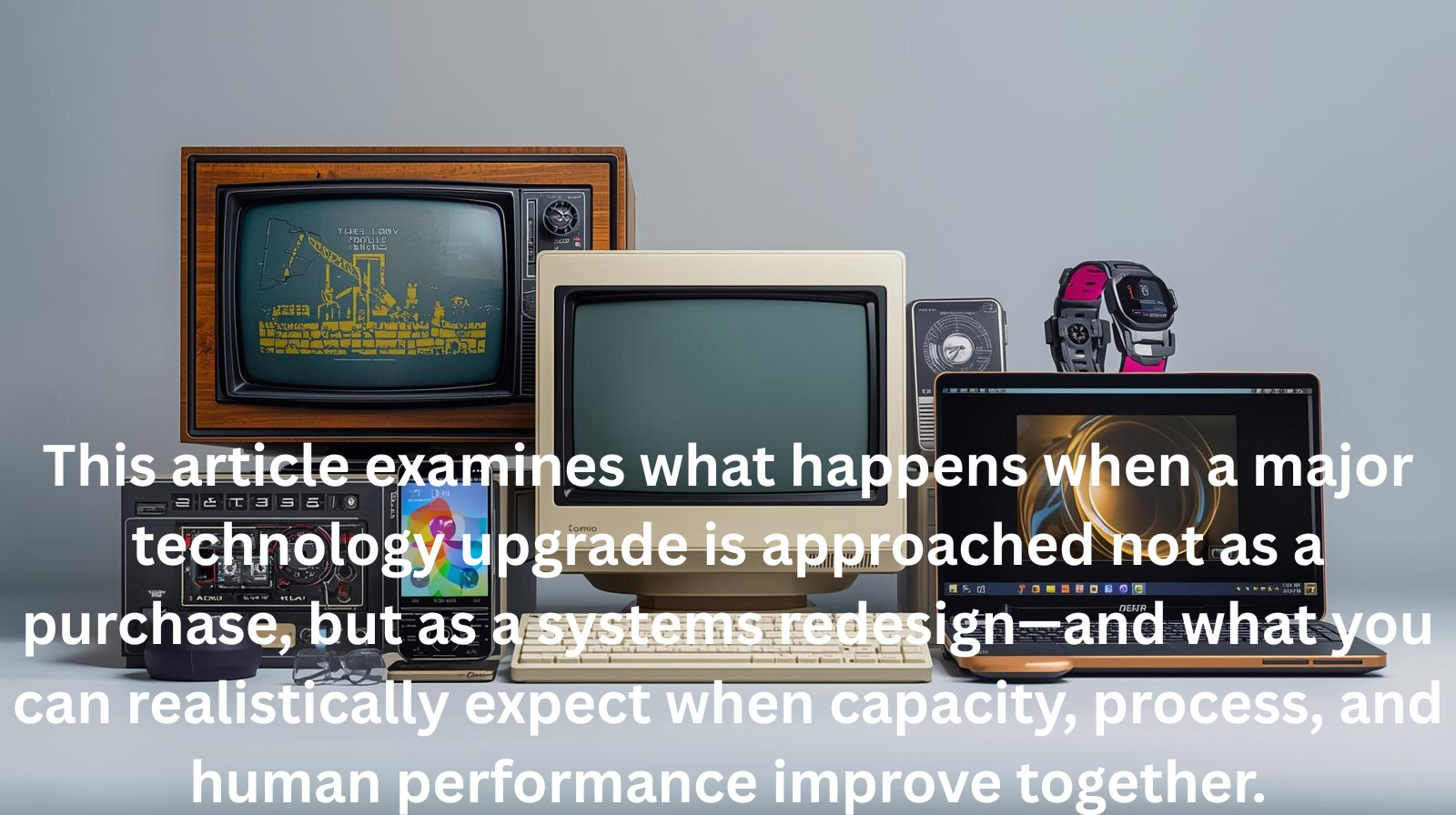
This article examines what happens when a major technology upgrade is approached not as a purchase, but as a systems redesign—and what you can realistically expect when capacity, process, and human performance improve together.
From Faster Hardware to Higher Throughput
Most professionals think about performance in terms of speed: faster processors, more memory, larger screens. Systems thinking reframes the question entirely.
Performance is not speed. Performance is throughput.
Throughput measures how much meaningful work moves through your workflow from start to finish. A system can be fast in isolation but slow overall if bottlenecks remain elsewhere. The real promise of a major technology upgrade is not raw speed but expanded capacity across the system.
The Hardware Leap: Why Capacity Matters More Than Specs
Consider the magnitude of the hardware change.
Moving from an older system with limited processing power and memory to a modern Dell Pro Slim Small Form Factor system fundamentally alters what your workstation can handle simultaneously. With a 24-core Intel Ultra 9 processor, high clock speeds, DDR5 RAM, NVMe storage, and modern graphics, the system is no longer optimized for sequential tasks; it is built for parallel execution.
What This Enables
- Massive parallel processing: Multiple compute-intensive tasks can run at once without slowing each other down.
- Reduced wait states: Faster memory and storage drastically reduce idle time spent waiting for applications to load, save, or render.
- Stability under load: The system maintains responsiveness even when handling complex, multi-application workflows.
The key shift is not “faster work,” but “more work at the same time.”
Visual Bandwidth: Why Screen Size Changes Cognition
Upgrading to a 48”–52” wide monitor is not a luxury—it is a cognitive redesign.
Large displays reduce one of the most underestimated productivity killers: context switching. Every time you minimize, maximize, or search for a window, your brain pays a tax. Multiply that by hundreds of times per day, and even a fast computer feels slow.
Research consistently shows that increased screen real estate can improve productivity by 30–50% by allowing users to:
- Keep primary work visible
- Reference supporting materials simultaneously
- Reduce mental load caused by constant window management
The monitor doesn’t make you smarter. It removes the friction that makes you slower.
The Hidden Multiplier: Benchmarking Process Efficiency
Hardware alone rarely delivers the gains people expect. The real acceleration happens when process efficiency is benchmarked and redesigned alongside the upgrade.
Assuming I benchmark my workflow—task sequencing, handoffs between applications, and repetitive actions—I expect to improve process efficiency by 3x. This is not unrealistic; most knowledge work processes contain significant waste.
When hardware capacity and process efficiency improve together, the effect is multiplicative, not additive.
I do not expect it to work faster. I expect to remove constraints that once limited output.
Why This Feels Like Exponential Performance
When all three improvements occur together—
- Parallel hardware capacity
- Reduced cognitive friction
- Streamlined workflows
—I will reach what feels like exponential productivity.
Tasks that were once required:
- Sequential execution
- Waiting on software
- Rebuilding context
Now occur simultaneously, fluidly, and with far less mental strain.
A week’s worth of traditional work can compress into days—not because you rushed, but because the system stopped fighting me.
Hardware Is Only One Part of the system.
Systems thinking demands an uncomfortable truth: hardware upgrades often expose new bottlenecks.
To fully realize the gains, three additional pillars must evolve.
Software & Automation: The “Brains” of the System
Modern hardware demands intelligent software.
- Automation tools (macros, scripts, workflow automators) eliminate repetitive tasks that waste high-value compute power.
- AI tools act as force multipliers—drafting, summarizing, coding, and synthesizing information across multiple open applications.
Without automation, powerful hardware executes inefficient tasks faster.
Workflow Architecture: The “Method”
More capacity increases the risk of distraction unless workflows are redesigned.
- Time-boxed focus ensures parallel tools serve a single objective, not ten competing ones.
- Single sources of truth prevent efficiency gains from being lost to searching, duplication, and version confusion.
High capacity without structure creates chaos, not productivity.
The Human Element: The “Operator”
Every system eventually bottlenecks at the human level.
- Ergonomics matter: Large monitors require proper desk depth, viewing distance, and posture to prevent fatigue.
- Skill benchmarking matters: If typing speed, software mastery, or analytical skill stagnates, the human becomes the slowest component in the system.
If my tools are 3x faster but my habits are not, that is only one part of the equation. The other is to help me work more efficiently.
Measuring Whether Performance Actually Skyrockets
Technical specs do not measure success. Business and human outcomes do.
Throughput & Speed Metrics
- Process lead time: Total time from task start to completion
- Idle time: Time lost waiting for software or systems
- Batch capacity: Number of heavy tasks handled simultaneously
Cognitive Load Metrics
- Context switching frequency
- Reference retrieval time
- Sustained focus duration
Output & ROI Metrics
- Weekly output velocity
- Revenue or value per hour
- Error rates under speed
- Return on investment:
(Gains − Hardware Cost) ÷ Hardware Cost
Qualitative Benchmarks
- Friction score: How hard the work feels
- End-of-day fatigue: Whether energy is preserved or depleted